
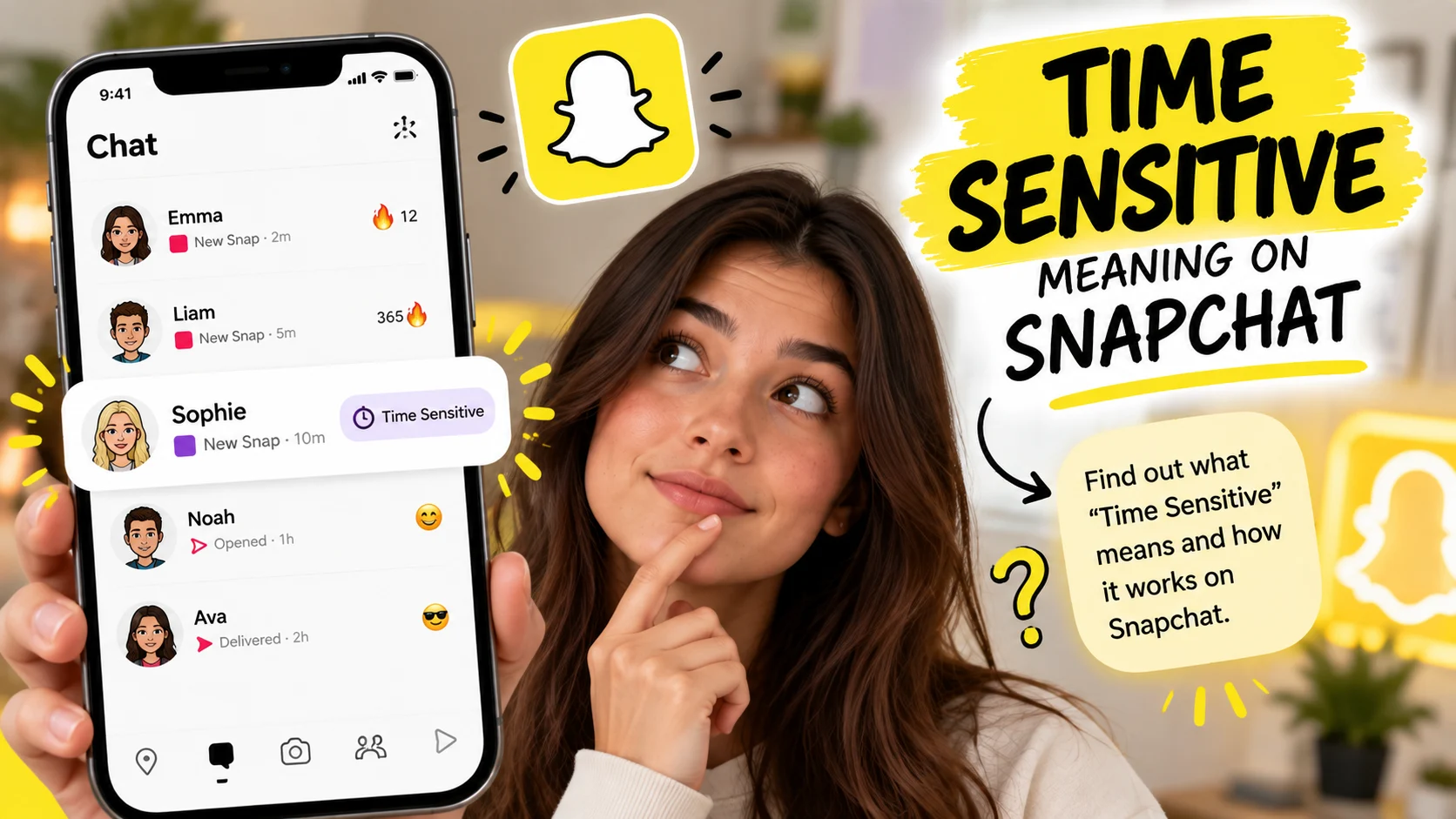
If you have seen “Time Sensitive” attached to a Snapchat notification, you may wonder what the label actually means. It can look like Snapchat is telling you that something requires immediate attention.
In most cases, however, the label relates to how your iPhone handles the Snapchat notification, rather than what the sender thinks about the message.
A Time Sensitive notification can receive higher delivery priority and may appear even when certain Focus settings are active. It does not automatically mean that the sender marked the message as urgent or that the Snap will disappear sooner.
What Does Time Sensitive Mean On Snapchat?
The phrase Time Sensitive on Snapchat generally refers to a notification that iOS has classified for higher-priority delivery. Apple introduced Time Sensitive notifications with iOS 15 to help apps deliver alerts that users may want to see promptly.
Snapchat can use this notification system for certain alerts. When permitted in your iPhone settings, these notifications can receive priority over ordinary notifications.
The Simple Meaning
Think of Time Sensitive as a notification priority rather than a message from another person.
If Snapchat sends a Time Sensitive notification, your iPhone is essentially treating that alert as something worth showing promptly. This can make the notification more noticeable than a standard Snapchat alert.
It does not necessarily tell you anything about the sender’s intentions.
Why It Appears On iPhone
Time Sensitive notifications are part of Apple’s notification system. Apps can classify supported notifications at different interruption levels, including passive, active, Time Sensitive, and Critical.
Snapchat can use this system to deliver certain notifications with higher priority.
This is why the label is especially associated with iPhones rather than being a universal Snapchat meaning across every device.
What The Label Does Not Mean
Seeing “Time Sensitive” does not automatically mean:
- The sender is demanding an immediate response.
- The message is an emergency.
- The Snap is about to disappear.
- You are the sender’s Best Friend.
- The person has Snapchat+.
- The sender personally marked the message as urgent.
- Snapchat has changed the normal expiration period.
The label is mainly about notification delivery.
How Do Time Sensitive Snapchat Notifications Work?
The key to understanding this feature is separating Snapchat’s content from Apple’s notification system. The Snap or Chat is one thing, while the notification telling you about it is another.
A Time Sensitive classification affects the second part.
How iOS Handles Them
Apple allows apps to identify certain notifications as Time Sensitive. When the user has permitted these notifications, iOS can deliver them immediately instead of placing them with less urgent alerts.
This gives the notification a higher priority than ordinary alerts.
The system does not mean that every Time Sensitive notification is an emergency. Apple has a separate Critical notification level for situations that require a much higher degree of interruption.
Can They Appear During Focus Mode?
Yes, potentially.
Apple allows Time Sensitive notifications to break through Focus when the user has enabled that option for the relevant app. This explains why a Snapchat alert may appear while your iPhone is using a Focus mode.
For example, imagine you have enabled Do Not Disturb before going to sleep. Most app notifications remain hidden, but a permitted Time Sensitive Snapchat notification can still reach you.
That does not mean Snapchat has bypassed your entire Focus setup. It means iOS treats that notification category differently.
What About Notification Summary?
Time Sensitive notifications can also receive priority over scheduled Notification Summary delivery.
Normally, Notification Summary groups selected notifications and delivers them at designated times. Time Sensitive alerts can be delivered sooner when the relevant permissions are active.
This is another reason the label can appear more important than a normal Snapchat notification.
Why Does Snapchat Send Time Sensitive Notifications?
The exact rules Snapchat uses to classify every notification are not fully documented publicly. However, the general purpose is connected with alerts that may be more useful when seen promptly.
Snapchat is built around real-time conversations, temporary Snaps, Stories, streaks, and other interactions that depend partly on timing.
Real-Time Messages
A new Chat notification can be useful when you are actively having a conversation.
A prompt notification helps you know that someone has contacted you without requiring you to open Snapchat repeatedly and check for new activity.
That does not mean every Chat notification will necessarily be classified as Time Sensitive.
Snaps And Temporary Content
Snaps are designed around temporary viewing and interaction. Because of that, receiving a notification promptly can sometimes be more useful than receiving it much later.
However, the Time Sensitive label does not change the Snap’s normal rules.
It only concerns the notification that tells you about the activity.
Streak-Related Notifications
Snapchat streaks are another example of activity where timing matters to users.
Some third-party explanations associate Time Sensitive notifications with streak-related alerts. However, Snapchat has not publicly provided a simple rule saying that every streak notification is automatically Time Sensitive.
Therefore, it is better to treat specific examples as reported behavior rather than a guaranteed trigger.
Why The Exact Triggers Are Unclear
One reason users receive different answers online is that Snapchat can change its notification behavior.
Your Snapchat version, iOS version, notification settings, Focus settings, and the type of Snapchat activity involved can all affect what you see.
This means one user may see Time Sensitive on a particular notification while another user does not.
Does Time Sensitive Mean The Snap Is Urgent?
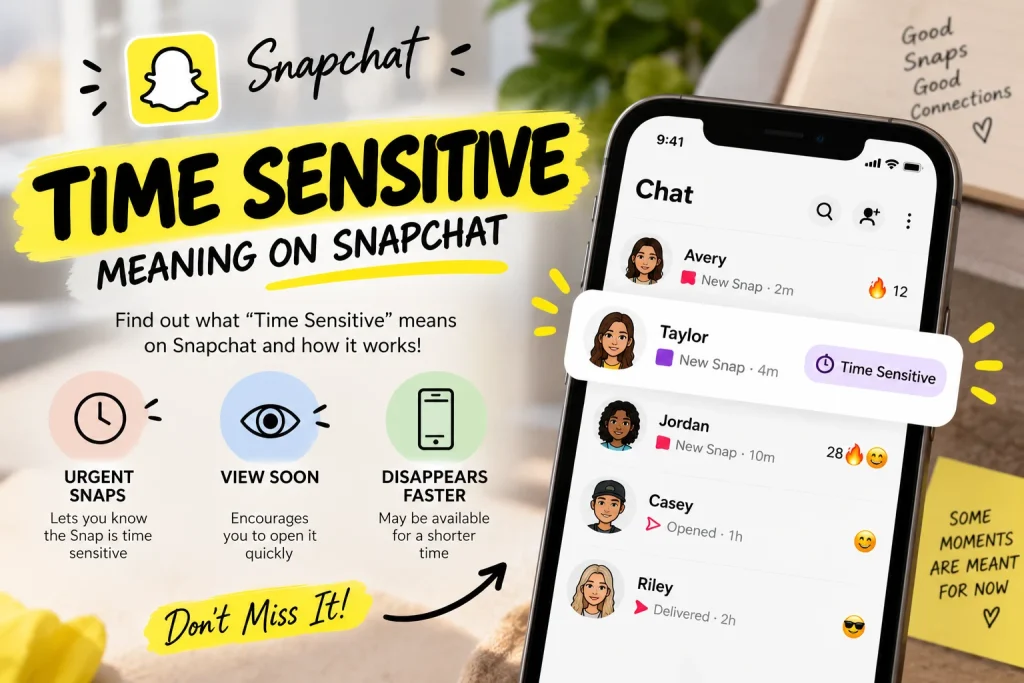
Not necessarily.
The word “urgent” can be misleading because the notification’s priority does not necessarily represent the sender’s feelings.
What It Does Mean
It means the notification has been given a higher level of delivery priority through Apple’s notification system.
Depending on your settings, iOS can show it more prominently or allow it through Focus-related restrictions.
What It Does Not Mean
It does not prove that the sender needs an immediate answer.
For example, a friend could send a completely ordinary Snap, and Snapchat could deliver a Time Sensitive notification for it.
The sender may not even know that your phone displayed the notification with that classification.
Does The Sender Control It?
Generally, you should not interpret the label as the sender manually pressing an “urgent” button.
The classification is part of the app’s notification behavior and Apple’s notification framework.
Therefore, seeing Time Sensitive should not make you assume that someone is waiting for an immediate response.
Does Time Sensitive Mean The Snap Will Disappear?
No.
This is one of the most common misunderstandings about the feature.
The notification’s priority and the lifespan of Snapchat content are separate systems.
Notification Priority vs Snap Expiration
A Time Sensitive notification can tell you about Snapchat activity sooner, but it does not change how long the associated content remains available.
For example, if a Snap normally follows Snapchat’s standard viewing or expiration rules, receiving a Time Sensitive notification does not automatically create a shorter deadline.
The word “time” in the notification label refers to when the notification should reach you, not necessarily how long the Snap itself exists.
What About Stories And Chats?
The same distinction applies to Stories and Chats.
A notification may be delivered promptly because Snapchat considers the activity useful to notice quickly. That does not mean the underlying Story or Chat suddenly receives a different expiration period.
This is similar to other internet terms where timing is part of the notification but not necessarily part of the content itself.
If you are researching other Snapchat or internet terminology, the meaning can also depend heavily on context, much like understanding sleeper build meaning requires knowing whether someone is discussing fitness, cars, or computers.
Does Time Sensitive Mean Someone Is Your Best Friend?
No.
The Time Sensitive label does not establish that another user is your Snapchat Best Friend.
Best Friend Status
Snapchat has its own systems for determining Best Friends and other relationship-related features.
A notification priority label does not replace those systems.
Therefore, you should not use Time Sensitive as evidence that another person interacts with you more than other Snapchat contacts.
Snapchat+
Time Sensitive also does not automatically indicate that the sender or recipient has Snapchat+.
Snapchat+ provides additional features, but notification priority should not be treated as a direct indicator of someone’s subscription status.
Relationship Status
The label also does not tell you how the sender feels about you.
Someone can send an ordinary message and trigger a notification that your iPhone displays as Time Sensitive.
The notification is not a hidden relationship signal.
Time Sensitive Snapchat On iPhone vs Android
The exact phrase is most closely connected with Apple’s iOS notification system.
iPhone
On iPhone, Time Sensitive notifications are part of Apple’s notification framework. Users can control whether supported apps can send Time Sensitive alerts.
The feature can interact with Focus and scheduled notification delivery.
This makes the iPhone notification settings especially important when troubleshooting Snapchat alerts.
Android
Android has its own notification system and controls.
Snapchat is available on Android, but Apple’s specific Time Sensitive interruption level does not apply to Android in the same way.
Therefore, an explanation of Snapchat’s Time Sensitive notification should not present the feature as identical across both operating systems.
How To Turn Off Time Sensitive Snapchat Notifications
If you do not want Snapchat notifications interrupting Focus or appearing with higher priority, you can check your iPhone’s notification settings.
Check iPhone Notification Settings
On supported iOS versions, go to:
Settings → Notifications → Snapchat
Look for the Time Sensitive notification option if it is available.
You can adjust the setting based on how you want Snapchat alerts to behave.
Apple’s available controls can change between iOS versions, so the exact appearance of the settings may differ.
Check Snapchat Notification Settings
You can also review Snapchat’s own notification controls.
Open Snapchat, go to your profile, open Settings, and select Notifications.
From there, you can manage different Snapchat notification categories.
This can be useful when you want to reduce certain alerts without completely disabling every Snapchat notification.
Can You Keep Normal Notifications On?
Depending on the available settings, you may be able to keep ordinary Snapchat notifications enabled while limiting Time Sensitive alerts.
This gives you more control than simply turning off every Snapchat notification.
For users who want fewer interruptions, checking both Snapchat’s settings and iPhone’s notification settings can help identify where the alert is being controlled.
Time Sensitive vs Normal Snapchat Notifications
The difference is mainly about delivery priority.
| Feature | Normal Notification | Time Sensitive Notification |
| Standard Snapchat alert | Yes | Yes |
| Higher notification priority | No | Yes |
| Can appear through permitted Focus settings | Generally no | Yes |
| Can receive priority over Notification Summary | No | Yes |
| Means the sender marked it urgent | No | No |
| Changes Snap expiration | No | No |
| Proves Best Friend status | No | No |
| Automatically requires an immediate reply | No | No |
The important point is that Time Sensitive describes how your device handles the alert.
It should not be treated as a hidden message about the sender, the relationship, or the lifespan of the Snap.
Why Does Snapchat Say Time Sensitive When Nothing Seems Urgent?
This can happen because the classification is based on notification handling rather than the actual importance of the conversation to you.
Your phone does not know whether a friend considers their Snap personally urgent.
Instead, the app can classify certain notifications for higher-priority delivery.
That is why the wording can sometimes feel stronger than the actual situation.
The same principle applies when you encounter unfamiliar online terms. For example, a phrase such as eye tattoo meaning cannot be understood from the word “eye” alone. The surrounding context determines what the phrase refers to.
Is Time Sensitive The Same As Critical Notifications?
No.
Apple distinguishes between Time Sensitive and Critical notifications.
Time Sensitive notifications can break through certain notification controls when users permit them. Critical notifications are intended for much more urgent situations and have additional capabilities.
Snapchat’s Time Sensitive notification should therefore not be interpreted as an emergency warning.
It is better understood as a higher-priority app notification.
Common Misunderstandings About Time Sensitive Snapchat
Several assumptions can make this feature confusing.
“The Sender Marked It Urgent”
Not necessarily. The label does not prove that the sender manually identified the message as urgent.
“The Snap Will Disappear Faster”
No. Notification priority does not automatically change Snapchat’s content expiration rules.
“It Means They Are My Best Friend”
No. Time Sensitive status is not proof of a Snapchat relationship ranking.
“I Have To Reply Immediately”
No. The notification may be delivered promptly, but you decide when to respond.
“It Means Something Is Wrong”
Not by itself. A Time Sensitive notification is not the same thing as an error, warning, or emergency alert.
FAQs
What Does Time Sensitive Mean On Snapchat?
It means Snapchat has used Apple’s Time Sensitive notification system for an alert. The notification can receive higher delivery priority on supported iPhones.
Does Time Sensitive Mean Someone Messaged Me?
It can accompany a notification about Snapchat activity, including certain messages or other alerts. However, the label itself does not tell you exactly what type of activity triggered it.
Does Time Sensitive Mean The Sender Wants A Reply?
No. The label does not prove that the sender expects an immediate response.
Does Time Sensitive Mean A Snap Will Disappear Soon?
No. It refers to notification delivery priority, not the normal expiration behavior of Snapchat content.
Why Does Snapchat Appear During Do Not Disturb?
A permitted Time Sensitive notification can break through certain Focus restrictions on iPhone. You can control this behavior through your notification settings.
Can I Turn Off Time Sensitive Snapchat Notifications?
On supported iPhones, you can check Snapchat’s notification settings under iPhone Settings and adjust the Time Sensitive option if available.
Does Time Sensitive Mean Someone Is My Best Friend?
No. The label does not establish Best Friend status or any other Snapchat relationship ranking.
Is Time Sensitive Available On Android?
The specific Time Sensitive notification classification comes from Apple’s iOS notification system. Android uses its own notification framework.
Is Time Sensitive The Same As An Emergency?
No. Time Sensitive notifications have higher delivery priority, while Apple’s Critical notifications are intended for more urgent situations.
Can Snapchat Decide Which Notifications Are Time Sensitive?
Snapchat can classify supported notifications for Apple’s notification system, but the exact criteria for every Snapchat alert are not fully documented publicly.
Final Takeaways
Time Sensitive on Snapchat mainly means that an alert has been given higher notification priority on an iPhone. Depending on your settings, it can appear through Focus or receive priority over scheduled notification delivery.
It does not automatically mean the sender is demanding a response, the Snap is about to disappear, or someone has a special relationship with you. The simplest way to understand it is to separate the notification from the Snapchat content itself.
If you see the label, think “higher-priority notification,” not “urgent message.” That distinction explains most of the confusion surrounding the Time Sensitive Snapchat notification.
